


Built for the big moments
Meet up at the venue
Group chat to find your seats and your people.
Everyone's photos and clips
One shared feed for the whole event.
Keep the schedule straight
A shared calendar for games and dates.
Just your family
Invite-only. No ads, no strangers.
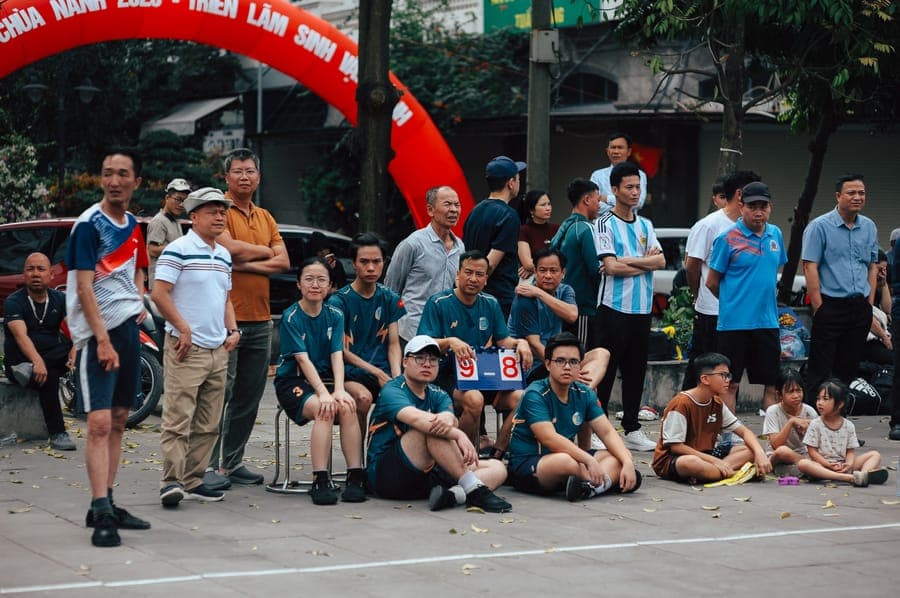
Every angle of the big moment
From the front-row shot to the clip from the back, all in one private feed.


How it works
1
Set up your family
Create a private space and invite everyone going.
2
Coordinate and capture
Chat to meet up and post photos as it happens.
3
Keep the highlights
Everyone's footage stays together afterward.
Frequently asked questions
- Can family who couldn't make it follow along?
- Yes. Invite them and they'll see the photos and clips in the feed, and can chat along.
- How do we get everyone's videos in one place?
- Everyone posts to the same feed, so clips from every phone land in one private timeline at full quality.
- Can we coordinate where to meet?
- Yes. Use the group chat to find seats and meet up at the venue.
- Is it private?
- Yes. Invite-only, no public links, no ads.
- Does it work on iPhone and Android?
- Yes, both.
- How much does it cost?
- There's a free tier, plus paid plans for more storage, and every plan covers your whole family. No ads.
More ways to use MyFam
Get MyFam for the next big event
Share with family, not the internet.